The Handover Checklist: How to Stress-Test Pre-loved Gadgets Like a Pro
Safe Buying & Selling
📅 2026. 04. 09.
Don't get caught out by a faulty device. Learn the professional steps to verify and stress-test second-hand electronics before you part with your cash.
The Moment of Truth
We've all been there. You find a cracking deal on a piece of tech you've wanted for months, the price is right, and the photos look "mint". But when you meet the seller, the pressure to just hand over the money and leave can be overwhelming. Don't rush it! A professional buyer knows that the first five minutes of an in-person meeting are the most critical. Whether you are inspecting a second-hand mobile phone or a high-end laptop, having a repeatable testing protocol is your best defence against a dud.
Bring Your Testing Kit
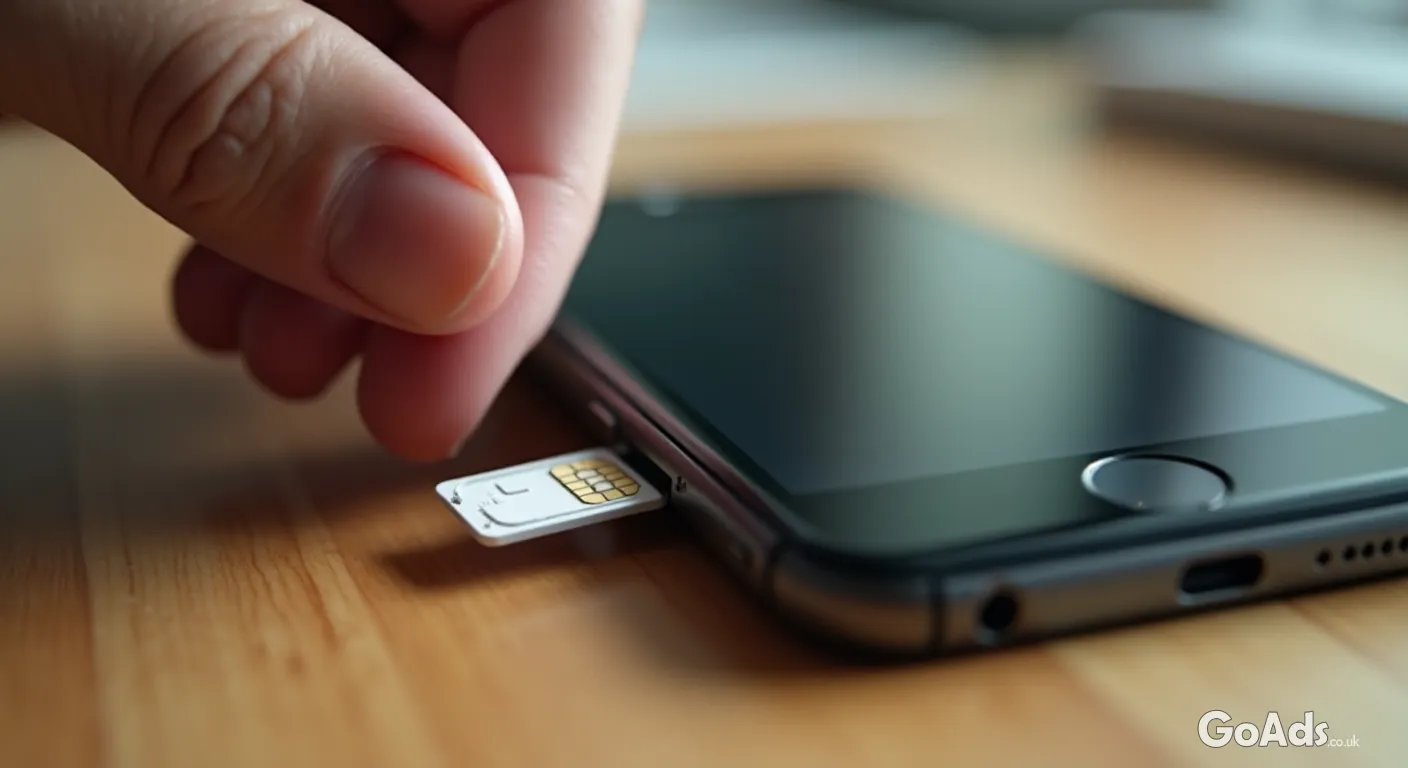
You wouldn't test-drive a car without a licence, so don't test a gadget without the right tools. Always bring a fully charged power bank, a compatible charging cable, a pair of wired headphones (if there is a jack), and a SIM card with an active data plan. If you are buying a laptop, a USB stick with a few large files can help test port speeds and screen quality. Being prepared shows the seller you mean business and aren't easily fooled.
"The best way to spot a fault is to look for what isn't being said. If a seller seems hesitant to let you run a full battery diagnostic, it's time to walk away."
The Physical Deep Dive
Start with the exterior. Look for tiny dings near the corners which suggest a hard drop—this can cause internal damage that doesn't show up immediately. Check the screws on the casing; if they look "chewed" or mismatched, the device has been opened by someone who might not have been a professional. For more tips on what to look for in different categories, check out our Tech and Smart Devices guide.
The Screen and Pixels
Turn the brightness all the way up and then all the way down. Look for "dead pixels" (tiny dots that stay black or white) or "screen burn" (ghostly images of old icons). On touchscreens, use a "drawing" app or simply drag an icon across every single millimetre of the display. If the icon "drops" anywhere, you've found a dead zone in the digitizer.
Connectivity is Key
Don't just take their word that the WiFi works. Hotspot from your own phone and browse a few websites. Pair your Bluetooth headphones. If it's a cellular device, make sure it recognises your SIM card and shows a signal. This is also the time to check the IMEI number online to ensure the device hasn't been reported lost or stolen—a vital step in Safe Buying and Selling practices.
The Battery Stress Test
Battery health is the biggest variable in used tech. If it's an iPhone, check the Battery Health percentage in settings. For laptops, run a quick battery report command. A pro tip: play a high-definition video for 5 minutes. If the battery percentage drops by more than a couple of points in that short time, the cells are likely degraded and will need an expensive replacement soon.
The "No-Go" Red Flags
The device is "Activation Locked" or still signed into an iCloud/Google account.
The seller refuses to let you turn the device on until you pay.
The charging port feels loose or only works at a specific angle.
The device feels excessively hot after only a few minutes of light use.
The serial number on the device doesn't match the one in the software settings.
Check the Ports and Buttons
Click every physical button. They should feel tactile and "clicky", not mushy or stuck. Plug in your power bank and ensure the charging icon appears instantly. If there is a headphone jack or an SD card slot, test those too. Dust and lint often build up in these gaps, which can lead to intermittent failures later on.
Software and Performance
Open the camera app and take a photo of a plain white surface. This will reveal any dust or spots inside the lens assembly. Test both the front and rear cameras, and don't forget to record a short video clip to test the internal microphone. If the device feels sluggish or "hangs" when opening basic apps, it might have underlying board issues or a failing drive.
This is the most important step: never, ever leave the meeting until the seller has factory reset the device in front of you and confirmed that "Find My" or "Device Protection" is turned off. If you buy a locked device, it is essentially a very expensive brick, and there is often no legal way to bypass these security features.
Closing the Deal
Once you are satisfied, use a secure payment method as agreed. If you are using an app, double-check the recipient's details before hitting send. A bit of patience and a structured approach to testing ensures that your "new-to-you" gadget stays a bargain rather than becoming a headache. Happy hunting!













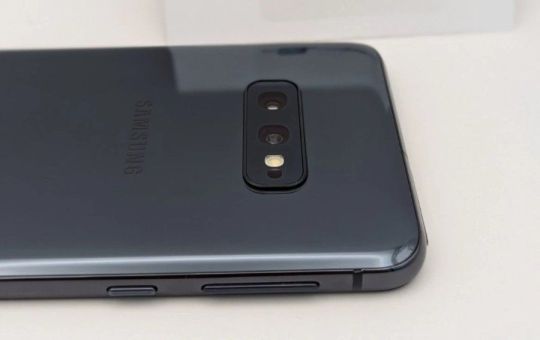
 Secure buying and selling
 Terms of Use
 GoAds.co.uk Facebook