Tablet Transformation: How to Turn an Older Device into a Dedicated Smart Home Hub
Tech & Smart Devices
📅 2026. 05. 21.
Don't let your old gadgets gather dust. Learn how to repurpose an older tablet into a stylish, permanent control centre for your smart home with our step-by-step guide.
The Second Life of Your Old Tech
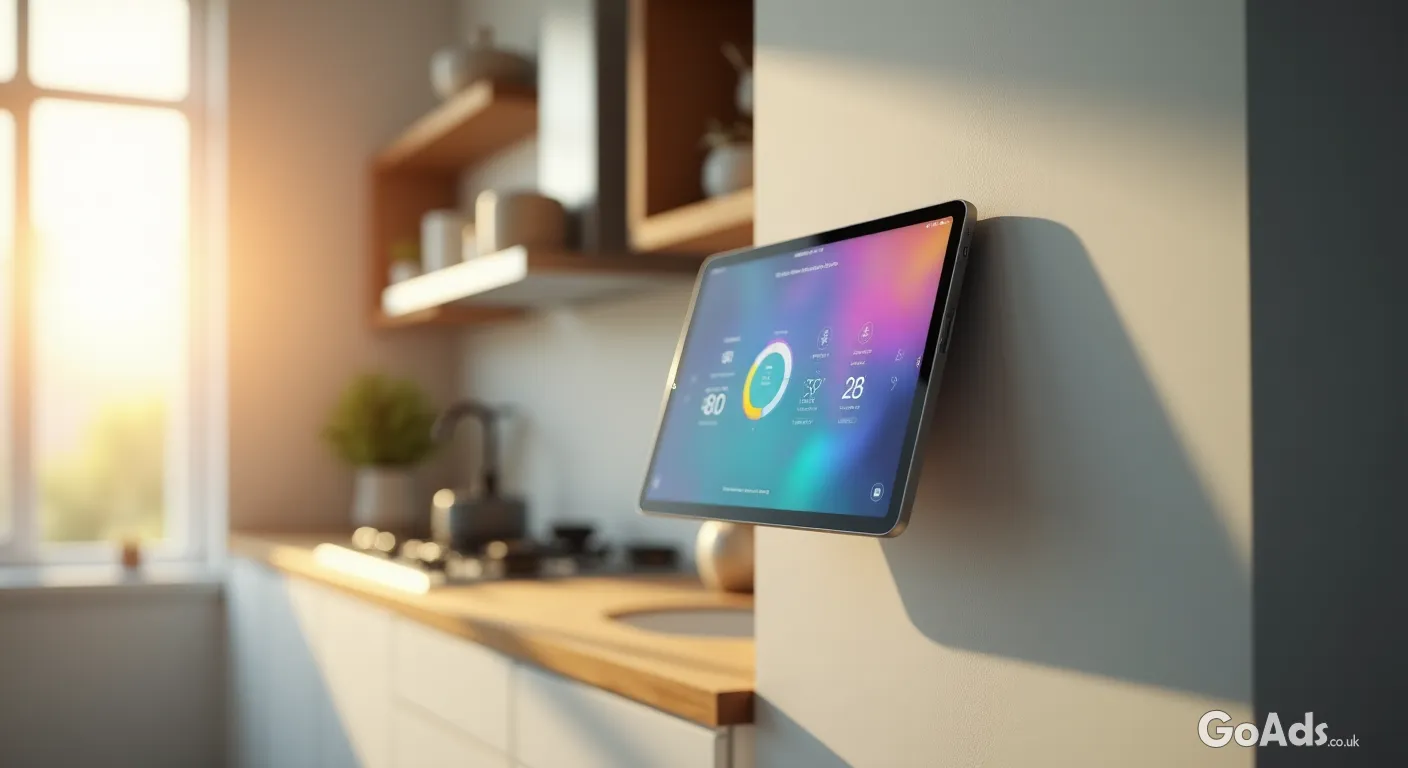
We’ve all got one: that older tablet sitting in a desk drawer, slightly too slow for the latest high-end games but still perfectly functional. Instead of letting it contribute to the growing pile of e-waste, why not give it a promotion? Turning an old device into a dedicated smart home hub is a fantastic way to embrace sustainable living while adding a touch of futuristic convenience to your hallway or kitchen. It becomes your central command station for lights, heating, and security cameras.
Step 1: The Hardware Audit
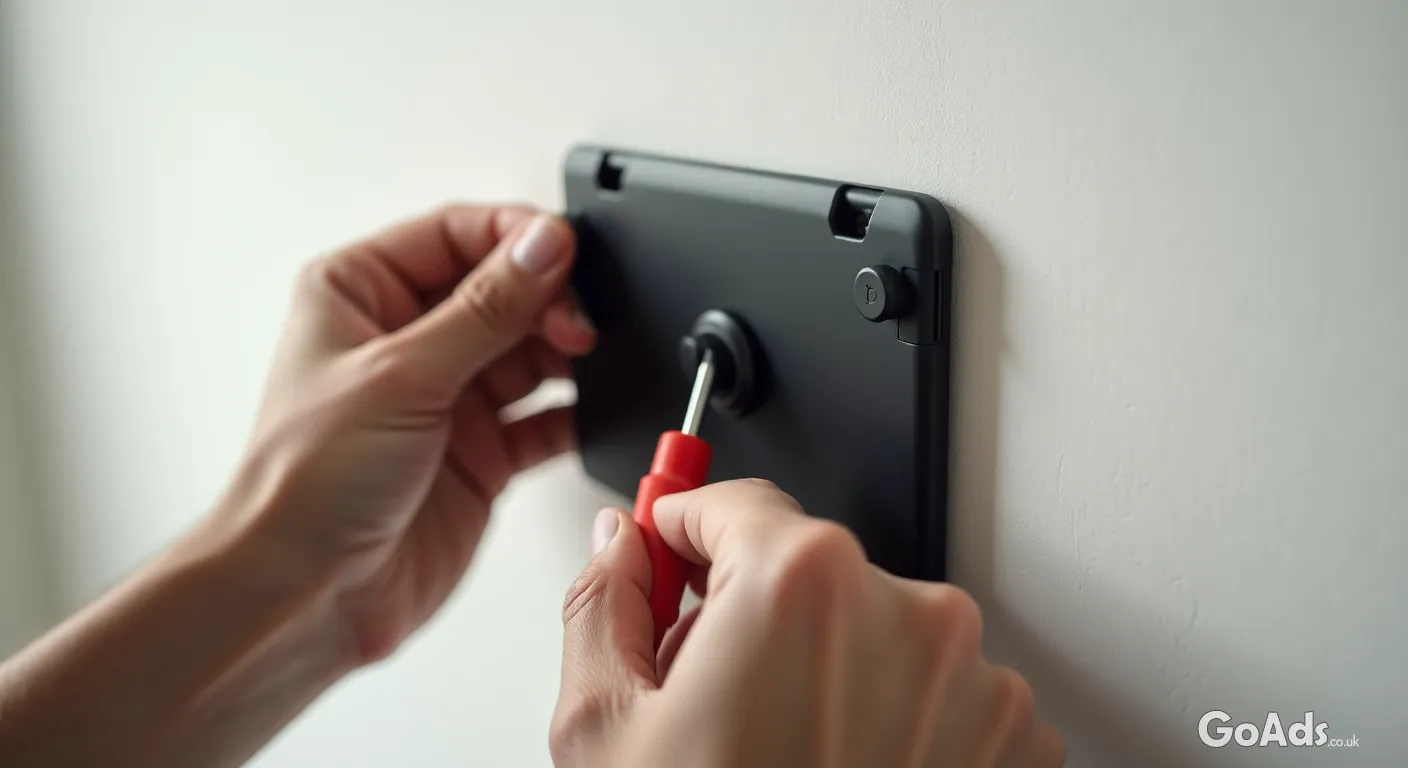
Before you start drilling holes in the wall, check the health of your device. Does the screen still have good clarity? Is the battery stable enough to stay plugged in 24/7? You don't need a flagship model for this project; even a budget device from a few years ago will handle a dashboard app with ease. If you don't have a spare one lying around, you can often pick up a bargain in the tablet and e-book classifieds for a fraction of the price of a dedicated smart display.
Tipp: Always perform a factory reset before you start. It clears out the "digital cobwebs" and makes the interface snappy again, ensuring your smart home dashboard doesn't lag when you're trying to turn off the lights.
Step 2: Choosing Your Command Centre
The magic happens with the right application. Depending on your ecosystem (Apple Home, Google Home, or Home Assistant), you’ll want a dashboard that remains "always on." You may need to look into specific computer software or third-party apps designed for kiosk mode. These apps prevent the screen from locking and allow you to customise buttons for your most-used routines, like "Movie Night" or "All Lights Off."
Mounting and Powering Your Hub
The Floating Look: Use a slim wall mount that hides the edges of the tablet for a sleek, integrated appearance.
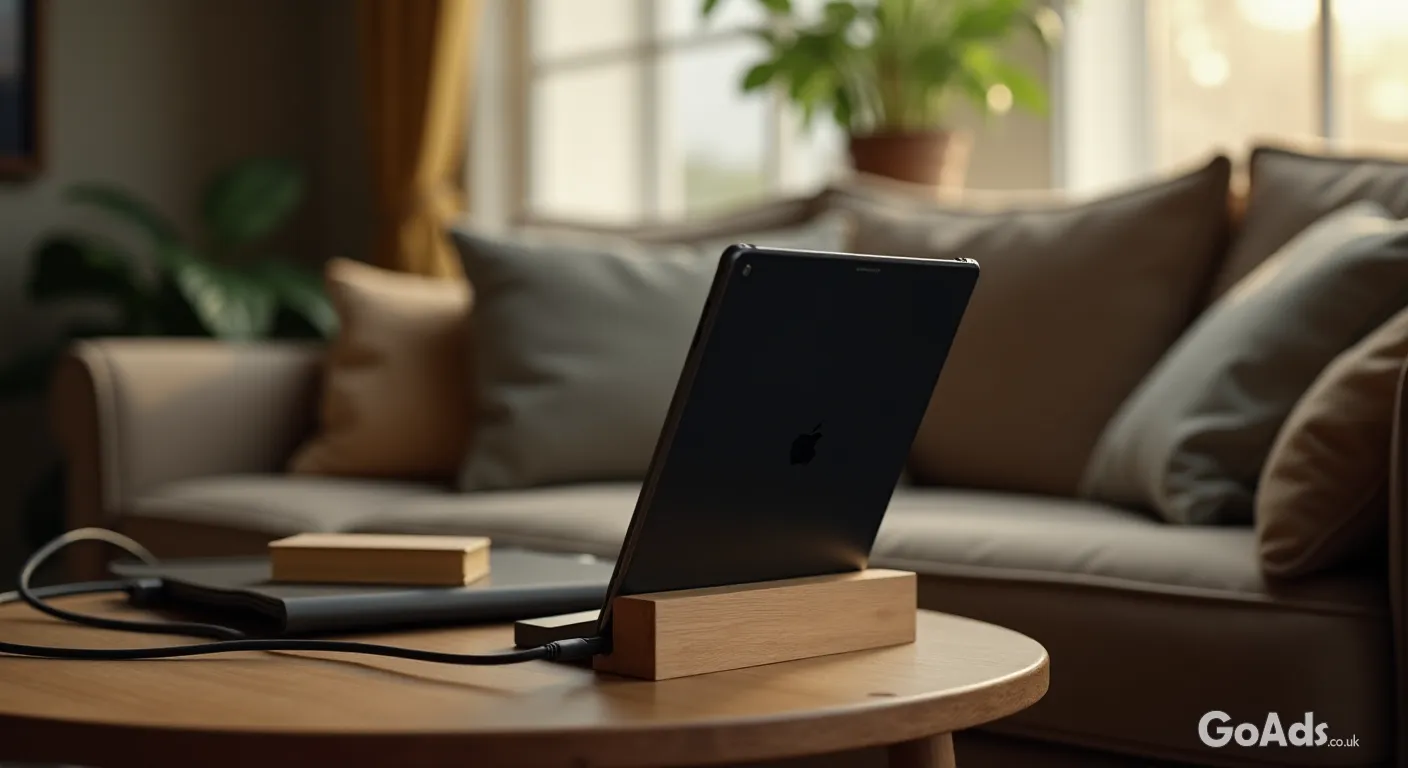
The Stand Approach: If you're renting, a heavy-duty tablet stand on a sideboard works perfectly without damaging walls.
Cable Management: Use flat USB cables and paintable trunking to hide the power lead for a professional finish.
Recessed Power: If you're handy with DIY, installing a recessed USB socket behind the tablet provides a completely wireless look.
Optimising for "Always-On" Use
Since this device will be active most of the time, you need to manage the settings to protect the hardware. Reduce the brightness to about 50% to save power and prevent screen burn-in. Most modern tablets have "Battery Protection" modes in their settings that limit charging to 80%, which is ideal for devices that stay plugged in permanently. For more advice on keeping your gadgets healthy, our tech and smart devices magazine has plenty of maintenance guides.
Privacy and Security
When setting up a permanent hub, security is paramount. Create a guest profile or a restricted user account on the tablet that only has access to the smart home apps. This ensures that if a visitor uses the hub, they can't access your personal emails or photos. Additionally, ensure the tablet is on a secure, password-protected Wi-Fi network to keep your home automation system safe from prying eyes.
Enjoy Your Smart Upgrade
Once mounted and synced, your repurposed tablet becomes more than just old tech—it’s the brain of your home. Whether you're checking who is at the front door via a video doorbell or dimming the lights for dinner, having a dedicated physical interface makes your smart home feel truly integrated and effortless. It’s a small weekend project with a massive payoff in daily convenience.








 Secure buying and selling
 Terms of Use
 GoAds.co.uk Facebook