The Private Cloud Revolution: How to Build Your Own Home Server with Pre-loved Tech
Tech & Smart Devices
📅 2026. 06. 05.
Stop paying for monthly cloud subscriptions and take control of your data. Learn how to repurpose a compact pre-loved mini PC into a powerful private server for your family.
Why Go Private?
Let's be honest, we're all tired of those monthly "storage full" notifications. Whether it's your phone begging for more space or a big tech company hiking their subscription prices, the "cloud" is starting to feel like a bit of a trap. But what if I told you that you could own the cloud? Building a home server isn't just for IT wizards anymore; it's a brilliant way to recycle old tech and keep your family photos, films, and documents safe under your own roof.
The Hardware: Small is Beautiful
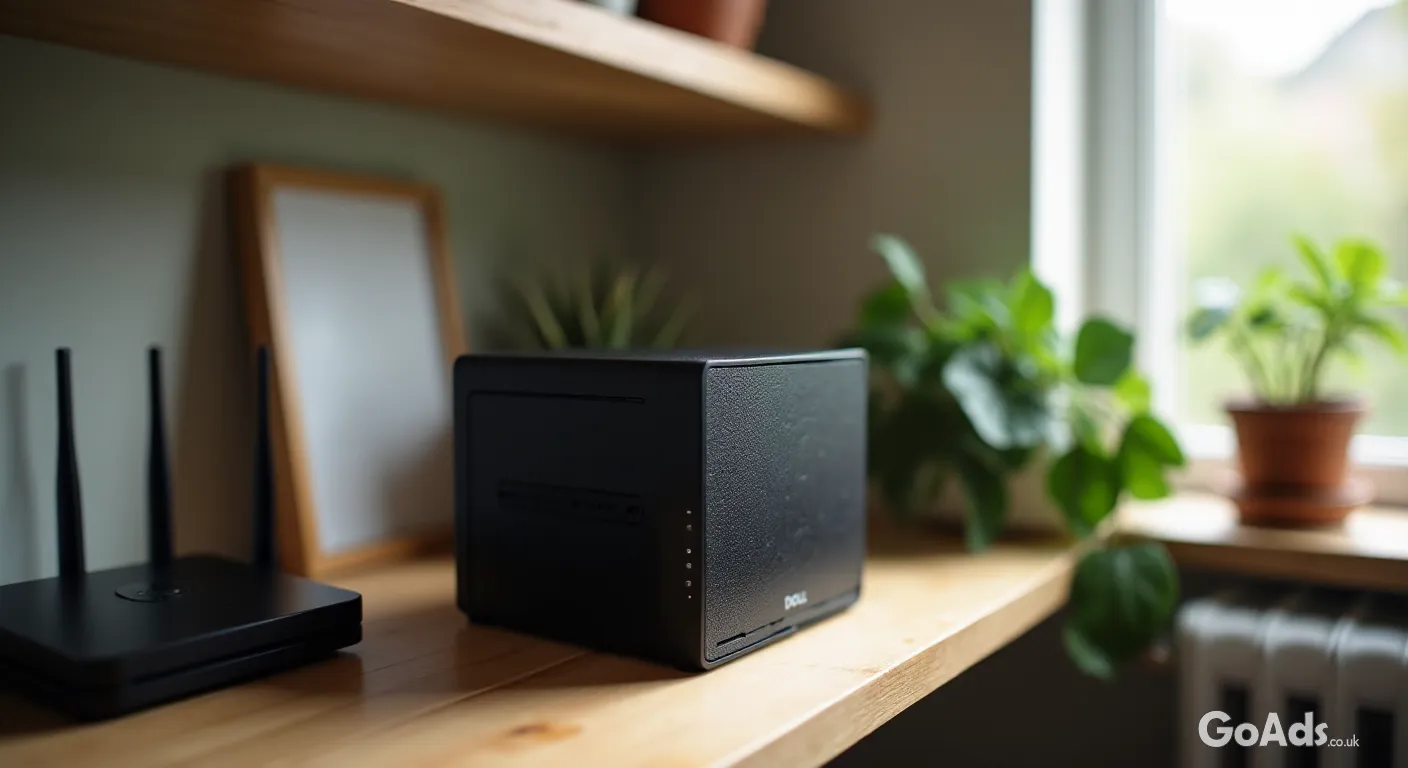
You don't need a massive, humming tower in the corner of the room. The secret weapon of the savvy tech enthusiast is the "one-litre" mini PC. Think Dell OptiPlex Micro, Lenovo ThinkCentre Tiny, or HP EliteDesk Mini. These little boxes are incredibly power-efficient, quiet, and can be found for a bargain when you look for a pre-loved desktop computer online. They usually come from offices, meaning they are built to last and are easy to service.
Building your own server is the ultimate way to reclaim your digital sovereignty while giving a second life to perfectly good hardware.
Check the Power and Storage
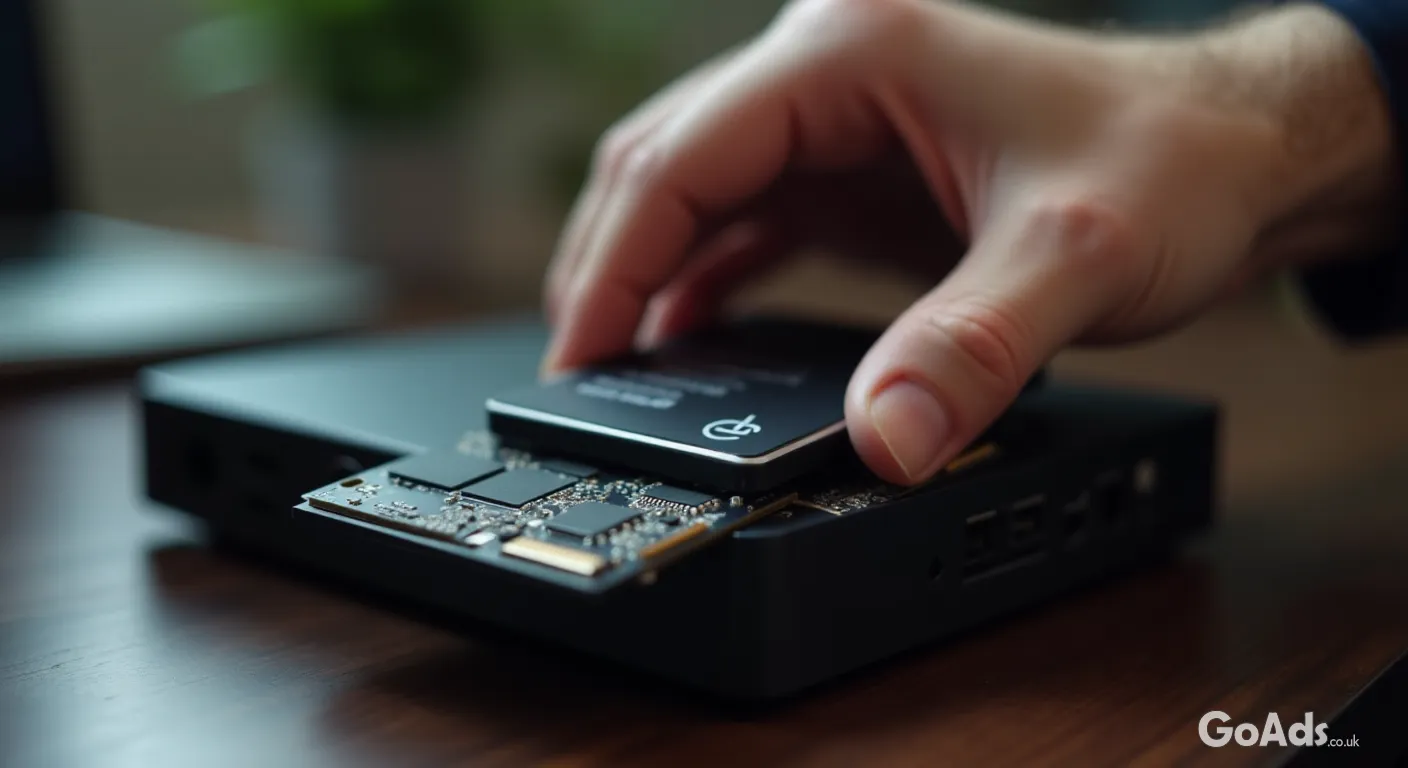
When you're hunting for your server base, aim for something with at least an 8th-gen Intel processor. Why? Because they are efficient enough to run 24/7 without making your electric meter spin like a fidget spinner. If the unit you buy doesn't come with a cable, you can easily pick up a replacement power supply to get it up and running. Swap out the old spinning hard drive for a cheap SSD, and you've got a silent, speedy machine ready for action.
What Can Your Home Server Actually Do?
Personal Photo Backup: Automatically sync photos from your phone the moment you walk through the door.
Media Streaming: Host your own movie library and stream it to any TV in the house.
File Sharing: Send large files to friends and family without using a third-party service.
Smart Home Hub: Run your entire home automation system locally for better privacy.
Connecting to the World
A server is only as good as its connection. While Wi-Fi is great for your laptop, your server should always be plugged directly into your router. If your current setup is a bit of a mess, it might be time to browse some network products like a basic gigabit switch or some Cat6 cables to ensure your data moves at lightning speed. This prevents buffering when you're watching a 4K film in the bedroom while the kids are backing up their tablets.
The Software Side
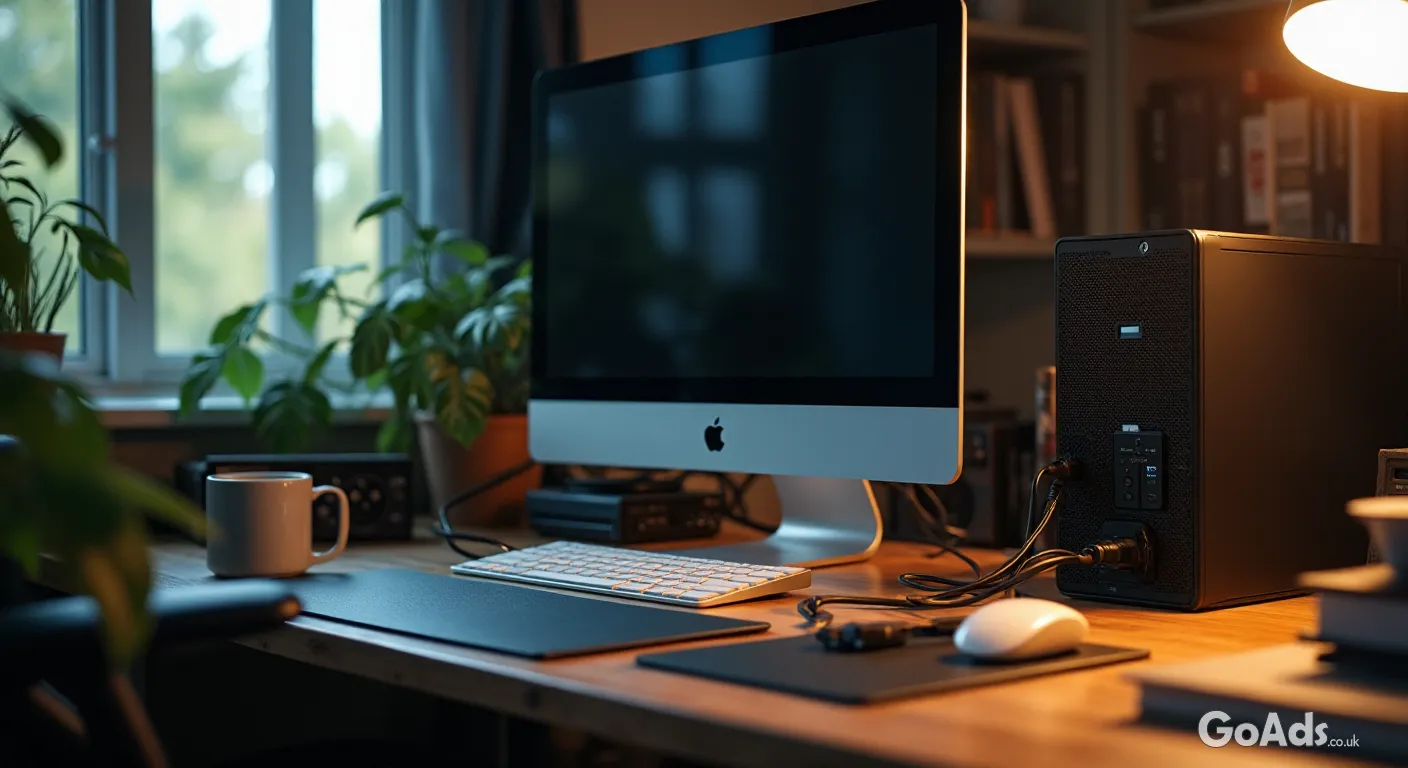
Don't let the "server" label scare you off. Operating systems like CasaOS or Umbrel make managing a server as easy as using a smartphone. You literally click "install" on the apps you want. If you're looking for more inspiration on how to integrate this into your daily life, check out our latest guides on tech and smart devices to see how the landscape is changing.
A Sustainable Choice
Beyond the privacy and the cost savings, building a home server is a massive win for the planet. Instead of a new device being manufactured, you're rescuing a professional-grade machine from a landfill. It's a core pillar of sustainable living—using what we already have to build something better. Plus, you'll learn a new skill that makes you the go-to tech expert in your friend group. No more monthly bills, no more data mining—just your files, your rules.








 Secure buying and selling
 Terms of Use
 GoAds.co.uk Facebook