The Smart Home Health Check: How to Optimise Your Connected Gadgets for Peak Performance
Tech & Smart Devices
📅 2026. 04. 26.
Give your smart devices a new lease of life with our essential maintenance guide. From network tweaks to security audits, here is how to keep your tech running smoothly.
Is Your Smart Home Feeling a Bit Sluggish?
We’ve all been there. You ask your smart speaker to play a track, and it sits there spinning its lights for an eternity. Or perhaps your smart bulbs have started acting like they have a mind of their own. As we add more and more tech to our homes, it’s easy for things to get a bit cluttered—both physically and digitally. A regular health check is the best way to ensure your gadgets stay responsive and secure.
Audit Your Network Capacity
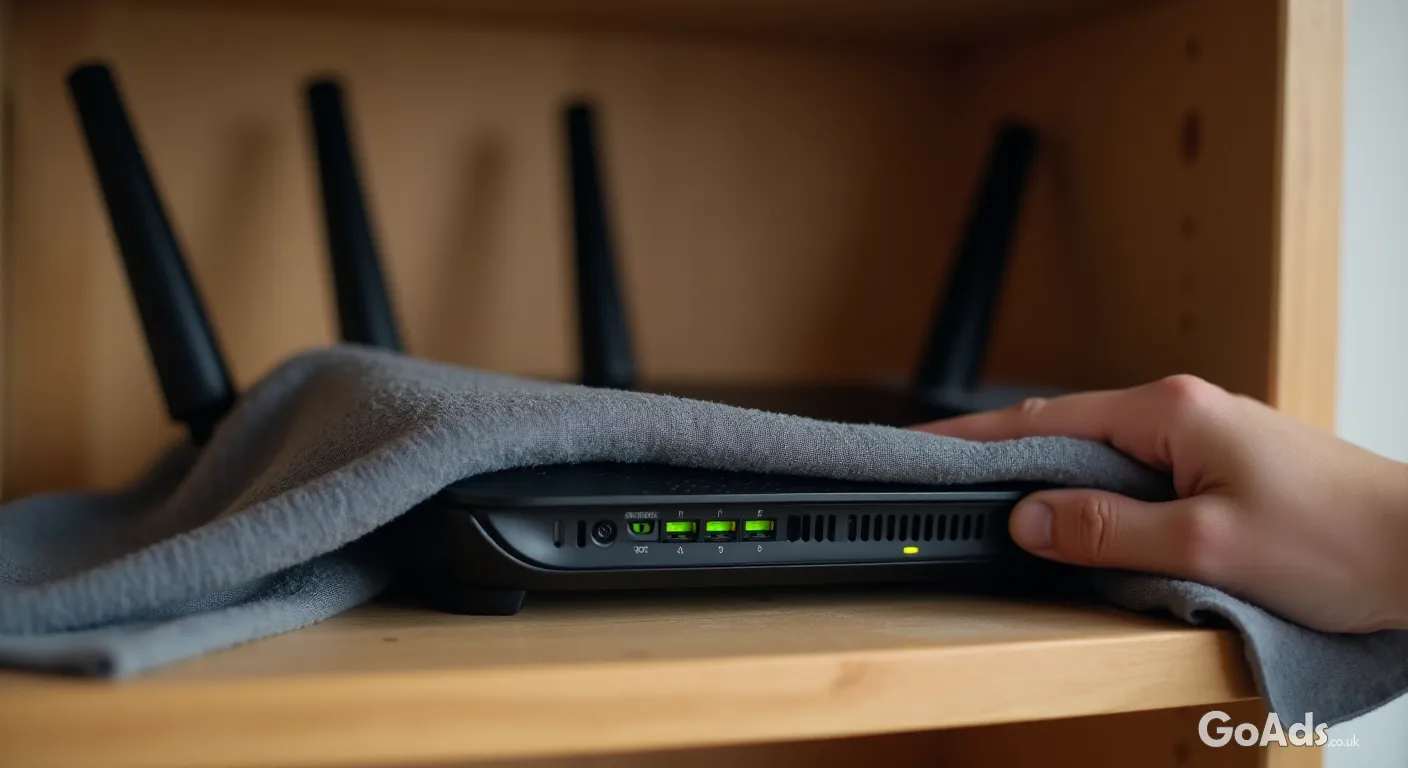
The backbone of any smart home is the Wi-Fi. If you started with two devices and now have twenty, your old router might be gasping for air. If your connection is feeling sluggish, it might be time to look into network products like mesh systems to boost your range and handle more simultaneous connections. Often, just repositioning your router away from thick walls or metal appliances can make a world of difference.
The Firmware Fix
Manufacturers frequently release firmware updates that fix bugs and, more importantly, patch security vulnerabilities. Take ten minutes once a month to dive into your device apps and check for updates. It’s not just about new features; it’s about making sure your front door lock or security camera isn’t running on outdated, vulnerable software. A quick reboot after an update often clears out minor glitches that have been annoying you for weeks.
A smart home is only as good as the network it sits on. Maintenance isn't just about speed; it's about digital safety.
Managing Mobile Clutter
Our handheld devices are the remote controls for our lives. Keep an eye on your mobile phone and communication gadgets; they often hold onto background data and cached files from smart home apps that slow everything down. Clearing the cache or offloading apps you no longer use can free up the processing power needed to manage your home automation seamlessly.
Privacy is a huge part of tech health. Periodically check which apps have access to your location, microphone, or camera. If a smart lightbulb app is asking for your contacts list, it’s a red flag. Narrowing down these permissions not only protects your data but can also save battery life on your mobile devices by stopping unnecessary background processes.
Your 5-Minute Monthly Tech Checklist
Restart your main router to clear the memory.
Check for "ghost" devices on your network that you no longer own.
Wipe down camera lenses with a soft microfibre cloth.
Update the apps on your phone and tablet.
Change passwords for any services you haven't touched in months.
Physical Maintenance Matters
Don’t forget the hardware itself! Dust is the enemy of electronics. A clogged vent on a smart hub or a dusty lens on a motion sensor can cause overheating or false triggers. Use a bit of compressed air or a dry cloth to keep things clean. For more tips on keeping your digital life in order, head over to our Tech and Smart Devices magazine section for the latest deep dives.
Battery Health and Charging Habits
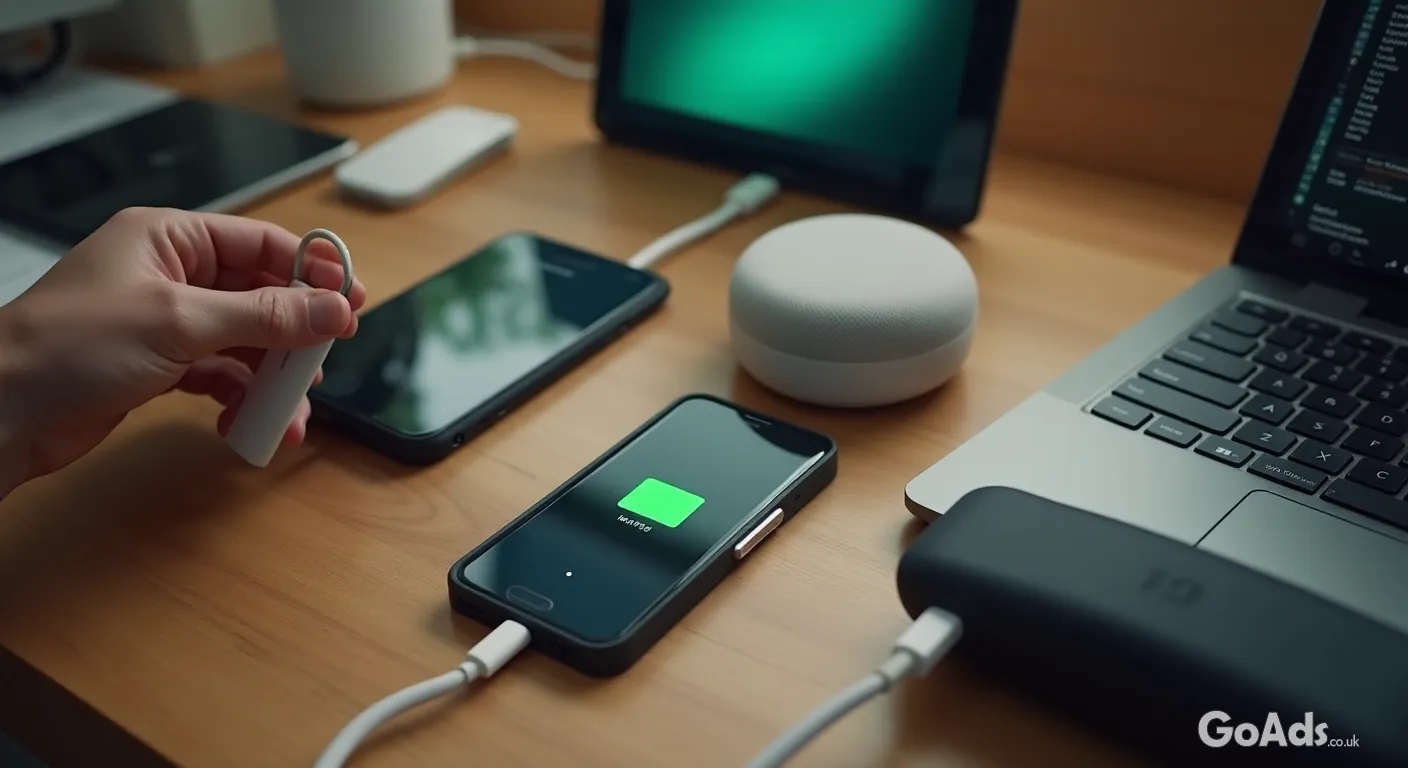
For your battery-powered sensors and cameras, don’t wait for them to hit 0%. Li-ion batteries actually prefer being kept between 20% and 80%. If you have devices that are constantly plugged in, consider using a smart plug to cycle the power occasionally, which can help extend the overall lifespan of the internal battery. If a battery is swelling or getting unusually hot, it’s time to recycle it responsibly and find a replacement.
Knowing When to Upgrade
Sometimes, no amount of tweaking can save a first-generation smart gadget. If a device is no longer receiving security updates from the manufacturer, it’s a liability. In these cases, it’s better to trade it in or sell it for parts and invest in something more modern. Keeping your ecosystem current ensures that everything talks to each other without the need for clunky workarounds.
Stay Connected, Stay Secure
A little bit of effort goes a long way. By spending just a few minutes each month auditing your connections and keeping your software fresh, you ensure your smart home remains a convenience rather than a headache. Happy tinkering!
















 Secure buying and selling
 Terms of Use
 GoAds.co.uk Facebook