The Silicon Life Extension: How to Refurbish and Supercharge a Pre-loved Workstation
Tech & Smart Devices
📅 2026. 06. 17.
Give your tech a second chance with our expert guide to refurbishing pre-loved workstations. Learn how to swap components and boost performance without the high-street price tag.
Why New Isn''t Always Better
In a world obsessed with the latest "Ultra" or "Pro" releases, we often forget that the heavy-duty hardware from a few years ago still packs a massive punch. Buying a pre-loved workstation is one of the smartest ways to get high-end performance for a fraction of the cost. Whether you are a budding video editor, a gamer on a budget, or a remote worker needing some extra oomph, refurbishing a used machine is both satisfying and incredibly cost-effective. Plus, it is a brilliant way to embrace sustainable living by keeping perfectly good silicon out of the landfill.
The First Rule: The Great Dust-Off
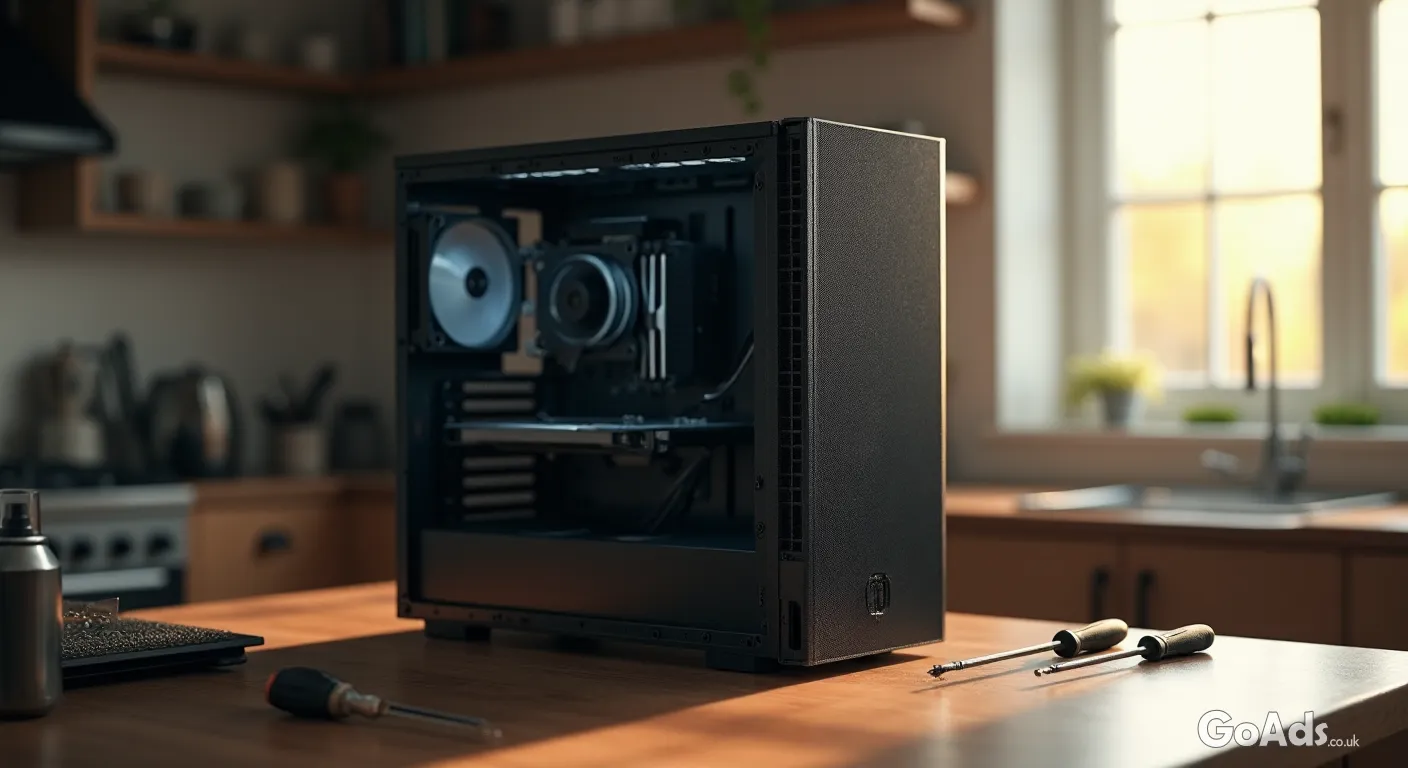
Before you even think about hitting the power button, you need to open that case. Dust is the silent killer of electronics, clogging up fans and causing heat-throttling that slows your system to a crawl. Grab a can of compressed air and a soft brush. Take the machine outside or into a garage and give it a thorough clean. Pay special attention to the heat sinks and the intake fans. A clean machine is a quiet machine, and it is the first step in making an older unit feel brand new again.
The Essential Refurbishment Toolkit
A set of precision screwdrivers (Phillips #0 and #1 are must-haves).
High-quality thermal paste for the CPU.
99% Isopropyl alcohol and lint-free wipes for cleaning old gunk.
A can of compressed air for those hard-to-reach crevices.
Anti-static wrist strap (better safe than sorry!).
The Heart of the Matter: Choosing a Processor
If your "new" old PC is feeling a bit sluggish, the brain might need an upgrade. Many older motherboards can support much faster chips than the ones they originally shipped with. Researching the socket type can lead you to a bargain. When looking to swap out your processor, check the manufacturer''s compatibility list. Sometimes, a top-tier chip from five years ago can be found for the price of a takeaway dinner today, offering a massive leap in multi-tasking ability.
"The best PC isn''t the one in the shop window; it''s the one you''ve tuned to perfection with your own two hands."
Memory: The Easiest Performance Boost
If your browser tabs are crashing or your apps take an age to load, you likely need more RAM. This is the simplest "plug and play" upgrade you can perform. Most professional workstations have four or even eight slots, making it easy to double or triple your capacity. When you are scouting for extra memory, ensure you match the speed and type (like DDR4) to your existing sticks to avoid any stability issues. 16GB is the modern baseline, but for a true workstation feel, 32GB is the sweet spot.
Don''t Overlook the Power Supply
A common mistake when building or refurbishing is ignoring the box that feeds the electricity. If you are adding a powerful graphics card or multiple hard drives, you need to ensure your power supply is up to the task. Older, generic units can be noisy and inefficient. Swapping in a modern, 80-Plus Gold rated unit will not only make your system more reliable but could also save you a few quid on your energy bills over the year.
The Secret Sauce: Fresh Thermal Paste
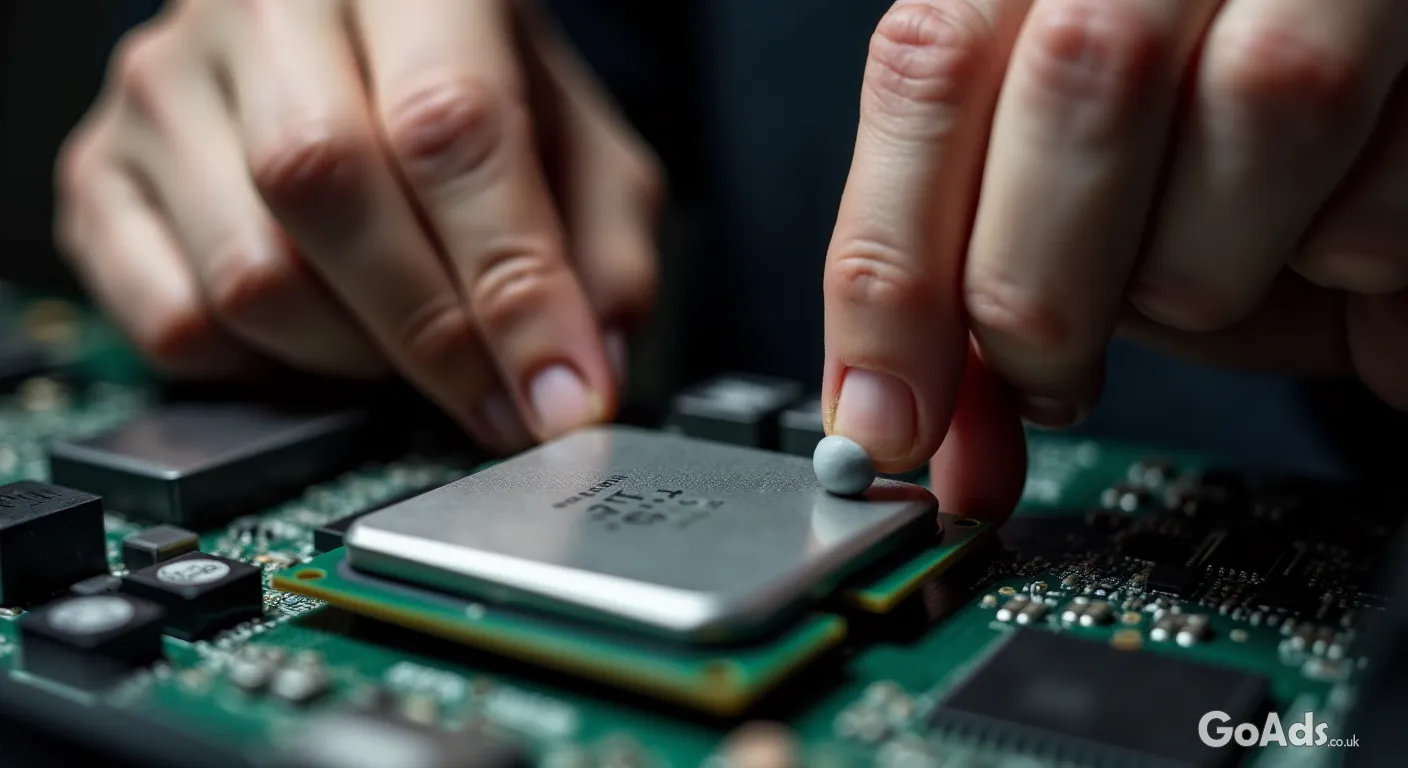
Over several years, the thermal paste between your CPU and its cooler dries out, becoming brittle and losing its ability to transfer heat. This leads to high temperatures and loud fans. Cleaning off the old grey crust with isopropyl alcohol and applying a fresh, pea-sized drop of high-quality paste can drop your temperatures by 10-15 degrees instantly. It is the cheapest way to "overclock" your cooling performance.
Software Refresh Checklist
Flash the BIOS to the latest version for better hardware support.
Perform a "Nuclear Option" clean install of the OS to remove bloatware.
Update all chipset and GPU drivers directly from the manufacturer.
Run a stress test like Cinebench to ensure everything is stable.
Ready to Start Your Build?
The beauty of the tech world is that there is always someone upgrading, which means there is always a bargain to be had for those who know where to look. If you are hungry for more project ideas, our tech and smart devices archive is packed with guides on everything from networking to smart home automation. Building a workstation isn''t just about the hardware; it''s about the pride of creating something powerful, personal, and sustainable. Happy building!











 Secure buying and selling
 Terms of Use
 GoAds.co.uk Facebook